
✦ New Release
Related
Announcing Open-Chat: A Sovereign, Local-First 'AI' Platform
Open-chat is a portable, composable, self-hostable platform for sovereign, private and self-controlled 'AI' — now released under AGPL.
Popular topics
02 min reading in—ProgrammingAI
A comparison of Antigravity, Cursor, Windsurf, and Codium + Continue for agentic coding tasks.

I have been testing several "Agentic" code editors to understand their current capabilities and limitations. This article compares Antigravity (Google), Cursor (Anysphere), Windsurf, and the open-source combination of VSCodium + Continue.
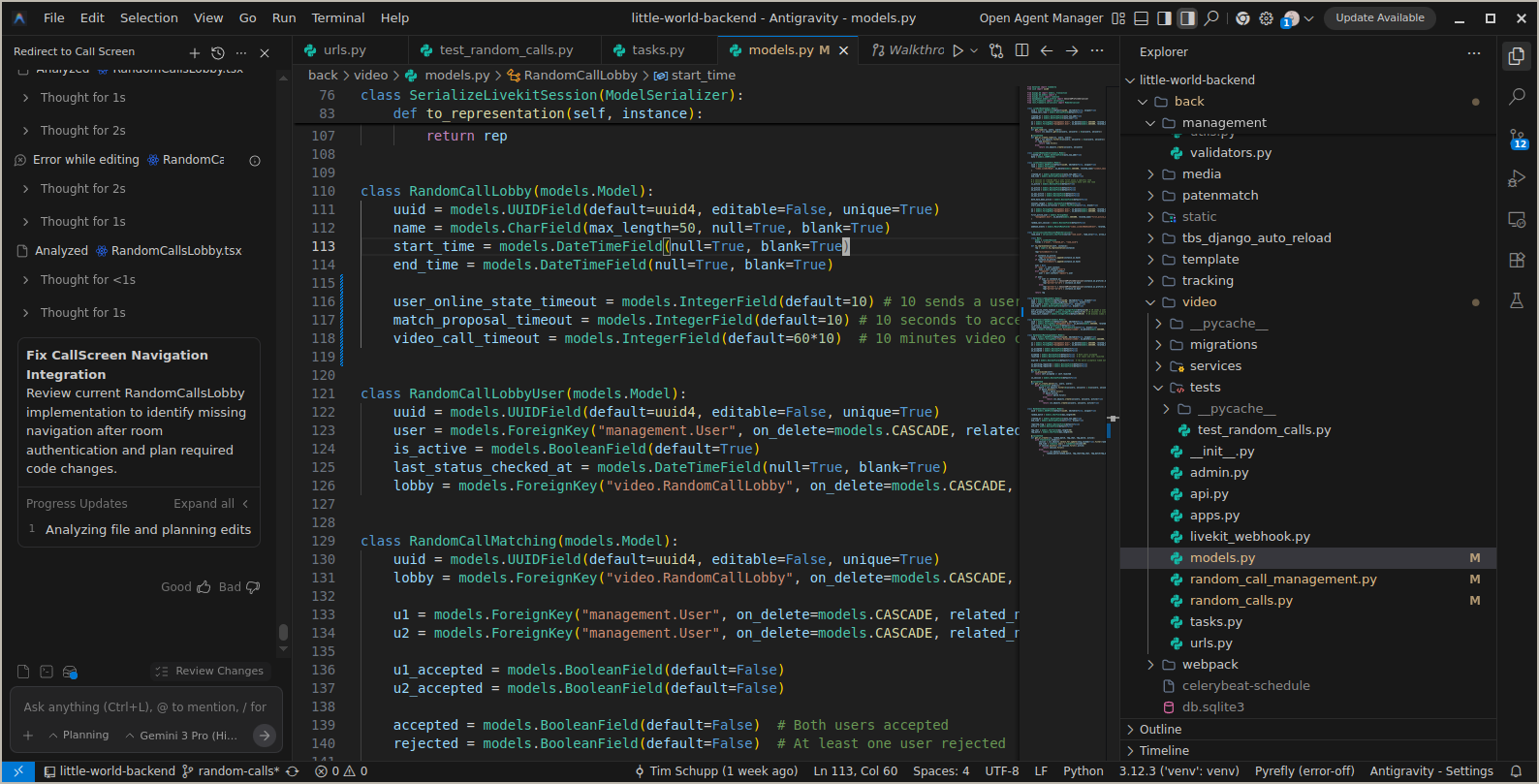
Antigravity is Google's entry into the agentic coding space, leveraging their compute and model capabilities. It integrates well for complex, multi-step reasoning tasks.
Notes:
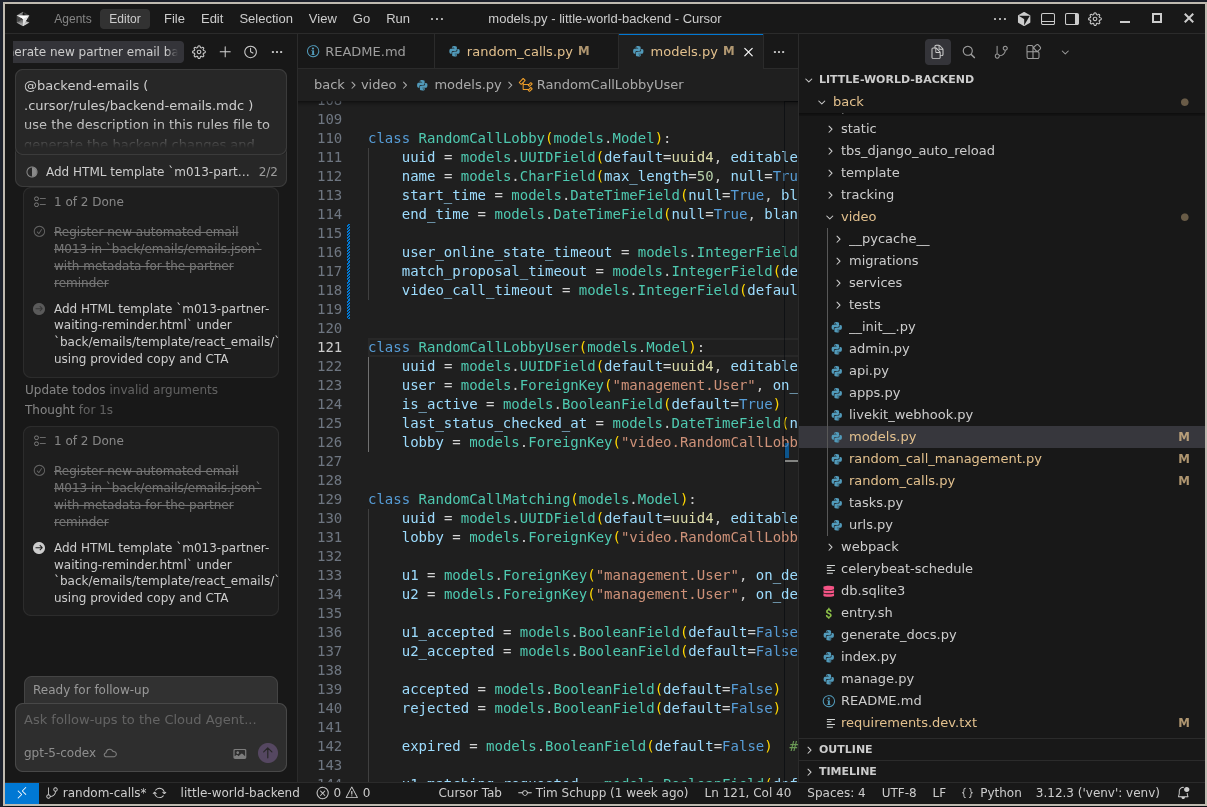
Cursor is a fork of VS Code built by Anysphere. It includes a "Cursor Tab" feature for predictive edits.
Cloud Agents: Cursor's agents operate in a sandboxed cloud environment. They can execute terminal commands, edit files, and create/refine Pull Requests. This is useful for repetitive, dynamic tasks. For example, I used it to integrate new automatic emails for Little World, where the agent edited configuration files across multiple locations and restructured code, replacing a previously manual process.
Pricing: The Pro plan costs approximately €20/month. However, it includes a limited number of "fast" agent edits; exceeding this limit results in throttling or requires purchasing usage tokens.
Windsurf is another editor in this space, emphasizing a "Flow" state. Some of the original engineers behind Windsurf are now employed at Google.
For a fully open-source stack, VSCodium (a telemetry-free VS Code build) combined with the Continue extension allows the use of own models (e.g., Claude 3.5 Sonnet, GPT-4o) while maintaining data control.

Trade-offs:
Read my guide on setting up Codium + Continue here
These tools are useful for specific workflows, particularly repetitive tasks involving consistent steps (e.g., adding a database field, updating the API, and modifying the frontend).
They are not perfect. In my experience, they produce a significant amount of incorrect output. My acceptance rate is approximately 20-30% of the suggested code. Even accepted code often requires rewriting to match specific requirements. They function as assistants, not replacements.
The official Pylint extension for VS Code is proprietary (part of the Pylance/Python bundle) and is disabled on non-official IDEs like VSCodium.
If using an editor other than the official VS Code or Cursor, I recommend basedpyright as an open-source alternative.
✦ New Release
Related
Open-chat is a portable, composable, self-hostable platform for sovereign, private and self-controlled 'AI' — now released under AGPL.
Related
Why I think the commoditization of 'AI' has started, how local and open-source models change the equation, and what that could mean for Europe.
Related
Serving Qwen3.8-27B (INT4 AWQ) and Qwen3-4B (FP16) with vLLM on my two-node k3s cluster, fronted by a LiteLLM OpenAI-compatible router.